Free tools.
Built because I needed them.
Every tool here started as something I needed myself and couldn't find a clean version of. No sign-ups, no paywalls — open and use.
HTML-Live exists because I needed it to exist. Working through large HTML files by hand — trying to find specific sections, understand what the code was actually doing, and see the result instantly without switching between applications — was slowing everything down. So I built a tool that solved all of that in one place.
The core idea is simple: write or paste your HTML on one side, see a live preview on the other, with no delay and no button to press. Any change you make appears in the preview immediately. But the features around that core are what make it genuinely useful for day-to-day development work.
The device preview modes were a priority from the start — being able to switch between a mobile, tablet, and desktop view without leaving the editor is something that should be standard in any HTML tool. A border toggle makes the preview boundary visible at a glance, so you always know exactly what area you're working within.
Find and replace with regex support means you can locate any string in the code instantly, which becomes essential once files grow beyond a few hundred lines. The line numbers make it easy to pinpoint exactly where something is, and the inspect mode lets you click any element in the preview to jump straight to the corresponding code. Import and export keep your work portable — one file in, one file out.
Version rollback is the one that saves the most frustration. If an edit breaks something and you're not sure where it went wrong, you can step back through previous states without losing anything. HTMLHint integration catches common errors before they become problems.
HTML-Live is free to use. If it saves you time, buying me a coffee is a simple way to show that it's been worthwhile — and it helps keep the other free tools coming.
- Live preview — renders as you type, no button press
- Line numbers with active line tracking
- HTMLHint debug panel — flags errors and warnings in real time
- Inspect mode — click any preview element to jump to its source
- Find & Replace with full regex support
- Version rollback — up to 20 snapshots
- Export as raw, formatted, or minified HTML
- Desktop / tablet / mobile preview modes with border toggle
- Import HTML files directly from disk
- Single-file — no install, works anywhere

HTML-Live is free and always will be. If it saves you time, a coffee keeps the tools coming.
☕ Buy me a coffee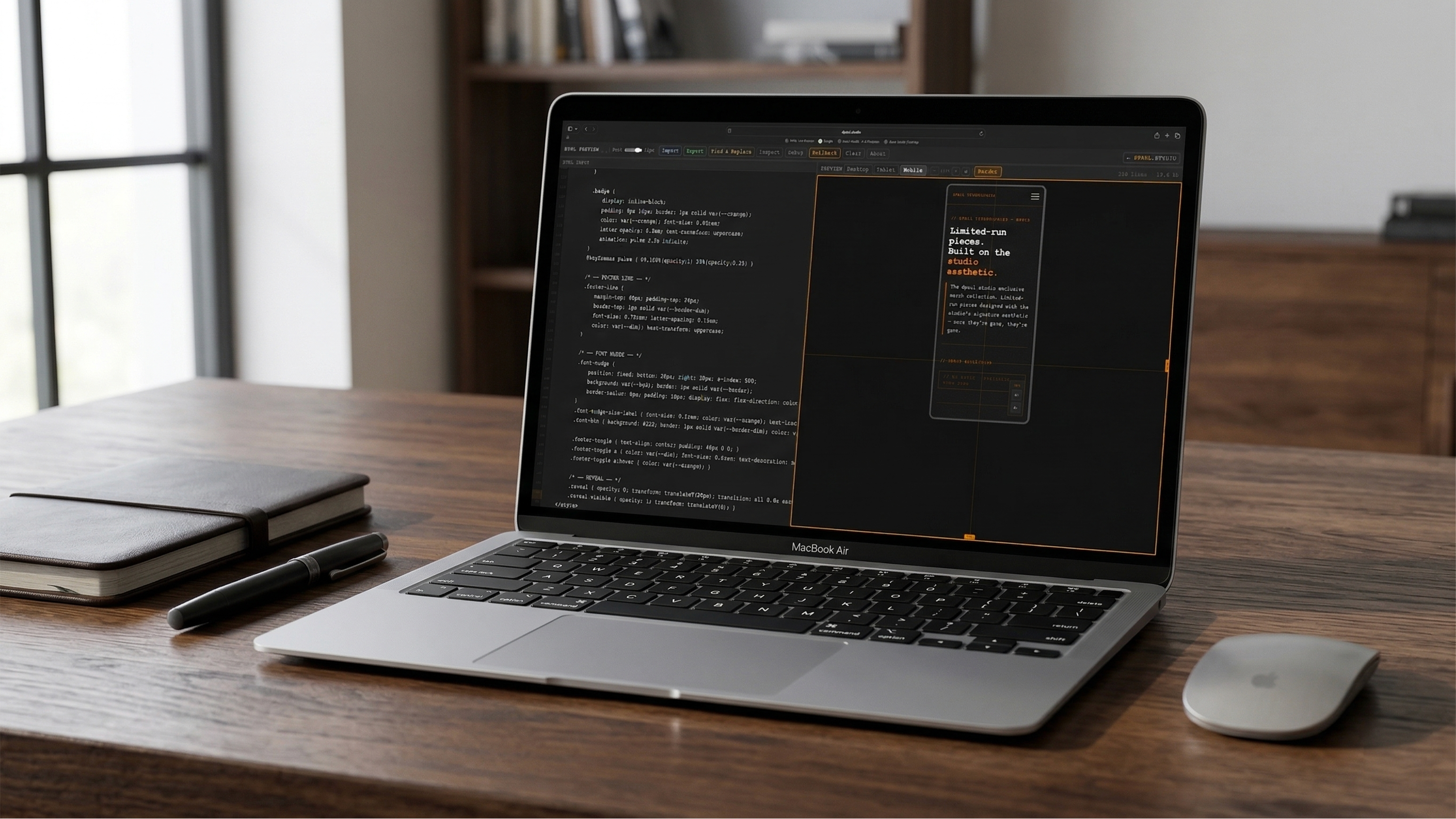
Live editor running in the browser
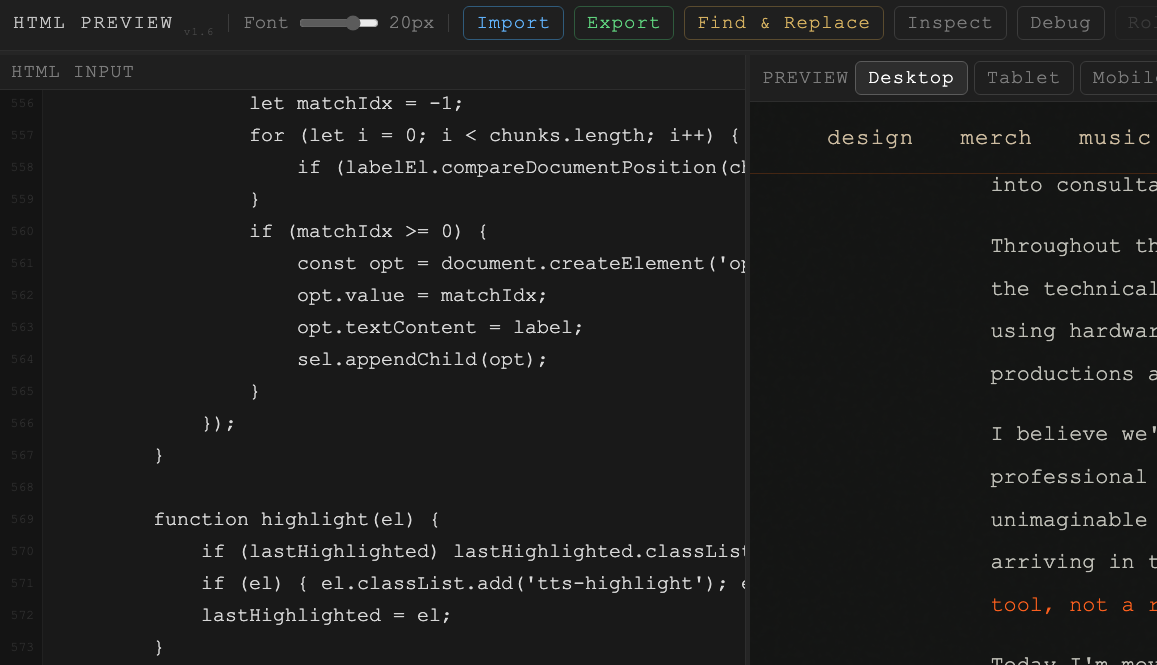
Code left, instant preview right
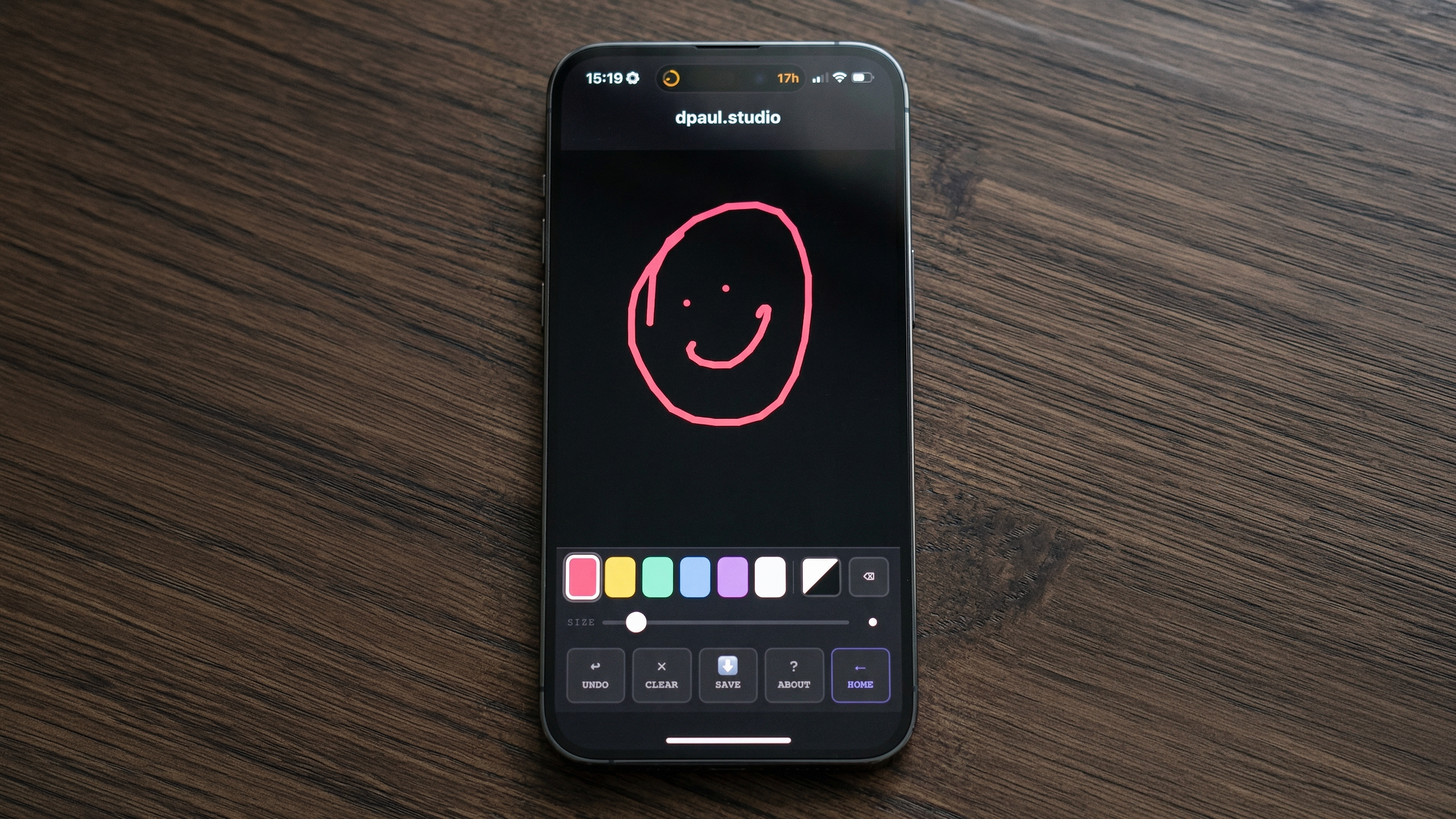
Skribla
A touch-friendly scribble pad that works on any device. Draw, sketch, doodle — lightweight and built for mobile.
- Touch-optimised for mobile
- Works on any device — no install
- Lightweight and fast

Neon Pheonix
A retro arcade space game built entirely in the browser. Classic gameplay, no plugins, no install — just open and play.
- Retro arcade gameplay
- Runs entirely in browser
- Keyboard controls
Got a tool idea?
Something you'd find useful in the browser — let me know and I'll build it.
Get in touch